


Managing your health from a living room chair is now practical for many older adults. Telehealth for seniors uses a tablet, phone, or computer to connect you with a doctor while reducing travel and time in a waiting room.
Schedule your virtual care visit with NuGen Medicine.
Telehealth for seniors provides a way to receive health care through digital tools like smartphones, tablets, or computers. These tools allow you to speak with your doctor, manage prescriptions, and check on health issues without leaving your home. It is a safe option that removes the need for long drives and time spent in public waiting rooms. According to the National Institute on Aging, virtual visits can often be easier, faster, and less costly than usual office visits. By using secure video calls, you can stay close to your doctor while staying in your own space. This modern approach to health care is a standard way to stay well as we age. It offers ease that fits a busy or low-mobility lifestyle.
Many people worry that virtual care is too hard to learn, but the process is actually quite simple. You might wonder what tools you need to have a successful visit. Understanding the basic steps of how telehealth for seniors works will help you feel confident before your first call.
How telehealth for seniors works
Telehealth for seniors makes it easy to see a doctor from home. You can use a phone, tablet, or computer to talk with your provider in real time. This way to get care saves time and removes the need for travel. It is a safe and simple way to stay on top of your health.
Getting started with a virtual visit
A virtual visit is very much like a video call with a friend. First, you book a time through a secure portal or by calling the office. Before your talk, you will get a link by email or text. When it is time for your visit, you just click the link to start the video. You do not need to download complex apps to make it work.
During the call, you can see and hear your doctor on your screen. You can talk about how you feel and show any visible symptoms. The doctor can check your vitals if you have tools at home, like a blood pressure cuff. This process is part of how virtual care visits work at our clinic. Your doctor will take notes and update your health record just like an in-person visit.
Common uses for online care
Many types of medical needs work well through a screen. Doctors use it to care for long-term health issues like heart disease or lung problems. It is also great for quick check-ins, follow-up care, and skin checks. If you need a pill refill, your doctor can often handle that during the call. This saves you a trip and keeps your care on track.
For many older adults, telehealth is a fast and easy way to see a doctor without a trip to the office. It keeps you safe from germs in a waiting room. You can stay in your own chair while you get the care you need. You can even have a family member join the call from a different place to help listen and ask questions.
The value of physician-led care
At NuGen Medicine, a doctor leads every visit. This means you see the same expert each time. You do not have to tell your health story to a new person every visit. A steady link with one doctor helps them know your health history well. This makes it easier to find small changes in your health before they become big problems.
Physician-led care also helps with complex needs. If you have more than one health issue, your doctor can see how they all fit. They can help you manage many meds and plan for your long-term health. This personal touch makes care better and more trusted for you. You get expert care that is made just for your specific needs.
How to prepare for a virtual doctor visit
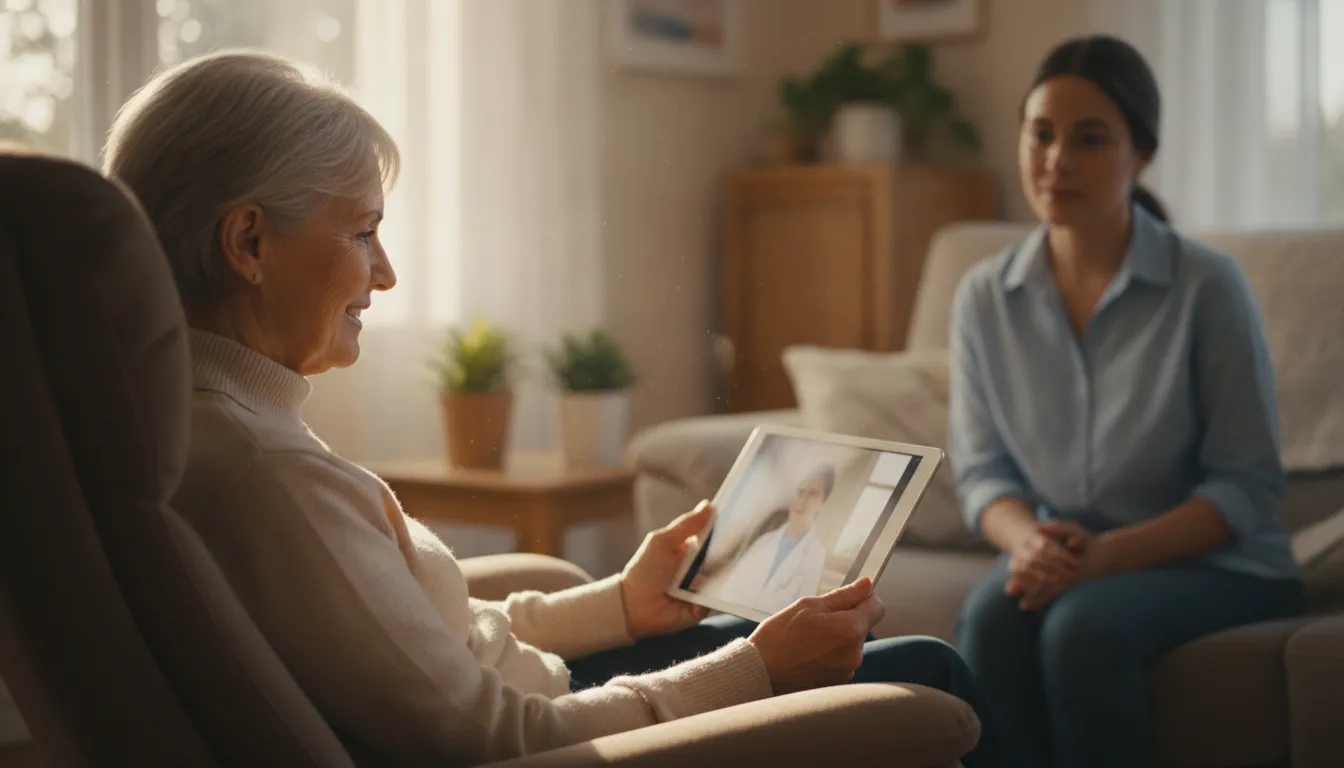
Virtual visits make it easy to see your doctor from home. For many people, how virtual care visits work feels new. Taking a few small steps before your call helps it go well. Proper prep lets you get the most out of your time with the doctor. It also helps you feel less stressed about using new tools. You can focus on your health when you know the tech is ready.
Check your tools
Check your phone or computer first. You will need a good camera and a clear microphone. Most telehealth for seniors works best with a fast web link. Test your video a few minutes before the call starts. This gives you time to fix any tech issues. Make sure your device is plugged in or has a full battery. You do not want the screen to go dark in the middle of your talk. If you use a tablet, prop it up on a table so your hands stay free.
Set the stage
Find a quiet spot with good light. You want the doctor to see your face clearly. Sit near a bright window or turn on a desk lamp. Privacy is also key. Pick a room where you can talk about your health in private. Close the door and tell others in the house that you are on a call. This keeps noises low and protects your health data. A calm room helps you hear the doctor better too.
Bring your health notes
Have your meds and health notes ready. Keep a list of all your current pills nearby. Include vitamins and items you buy without a script. Write down any new pains or health changes. This helps the doctor find the right care plan for you. You may also want a pen and paper to take notes during the talk. It is easy to forget small facts once the call ends. Writing them down helps you follow your doctor’s advice later.
- Test your device. Check that your camera and mic work well before the call.
- Find a fast web link. A steady internet signal keeps the video from freezing.
- Pick a quiet room. Choose a private place where you can speak freely.
- Check the light. Face a window or lamp so the doctor can see you.
- List your meds. Have all your pill bottles or a list ready to show.
- Write your questions. Note down your health concerns so you do not forget them.
- Ask for help. If you feel stuck, ask a friend or family member to help you set up.
Plan for tech issues
Sometimes the web goes down or the video lags. Do not worry if this happens. Keep your phone near you in case the doctor needs to call your line. Most offices have a plan for tech glitches. You can always finish the talk over a normal voice call. Being ready for these small snags makes the whole day go better.
A little prep goes a long way. It lets you focus on your health instead of the tech. These simple tips make it easy for anyone to use modern care tools. You can get the expert care you need without leaving your house.
Benefits of telehealth for older adults
Telehealth for seniors offers more than just a quick way to see a doctor. It provides a safer and more relaxed way to manage your health as you age. Many older adults face hurdles like low mobility or a lack of transport.
Virtual care removes these barriers by bringing the clinic to your living room. It makes getting expert help as simple as turning on a laptop or screen.
Easier access and more comfort
One of the top perks of virtual care is the ease of access it provides. Many older adults live in rural areas far from top specialists. Traveling for hours for a short visit is tiring and hard on the body.
Telehealth for seniors lets you skip the drive and stay in your own chair. You do not have to worry about traffic, parking, or long walks through a hospital.
At NuGen Medicine, we make how physician-led telehealth works clear and simple for every patient. You get the same level of care you would find in an office visit without the stress of the trip.
Research from the National Institutes of Health shows that most seniors are very happy with virtual care. The main reason is the time they save and the physical strain they avoid.
Managing chronic health issues
As we get older, many of us deal with ongoing health needs like high blood pressure or diabetes. These conditions require frequent check-ups to keep them under control.
Telehealth for seniors makes these follow-up visits much easier to handle. You can have quick chats with your doctor to review your pills or talk about new symptoms. This keeps your care plan on track without a lot of extra work.
Frequent touchpoints with your doctor can lead to much better health over time. It is much easier to stick to a plan when you can check in from home.
Regular video visits allow your care team to spot risks early. They can act fast to help you stay well. This constant connection helps you manage your health with more confidence.
Better safety and family support
Safety is a major benefit of using virtual health tools. Waiting rooms can be full of germs, which is a risk for those with weak immune systems. By staying home, you avoid exposure to colds, flu, and other bugs.
This is a simple way to protect your health while still getting medical advice. You get the help you need for your daily life without the risk.
Telehealth also makes it easier for your family to help you. A son or daughter can join your virtual visit even if they live far away. They can hear what the doctor says and help you follow the steps later.
According to the National Institute on Aging, these tools help caregivers stay active in your care. This teamwork makes it easier for everyone to manage complex health needs.
See how NuGen Medicine provides physician-led telehealth for primary care.
When to choose telehealth or in-person care
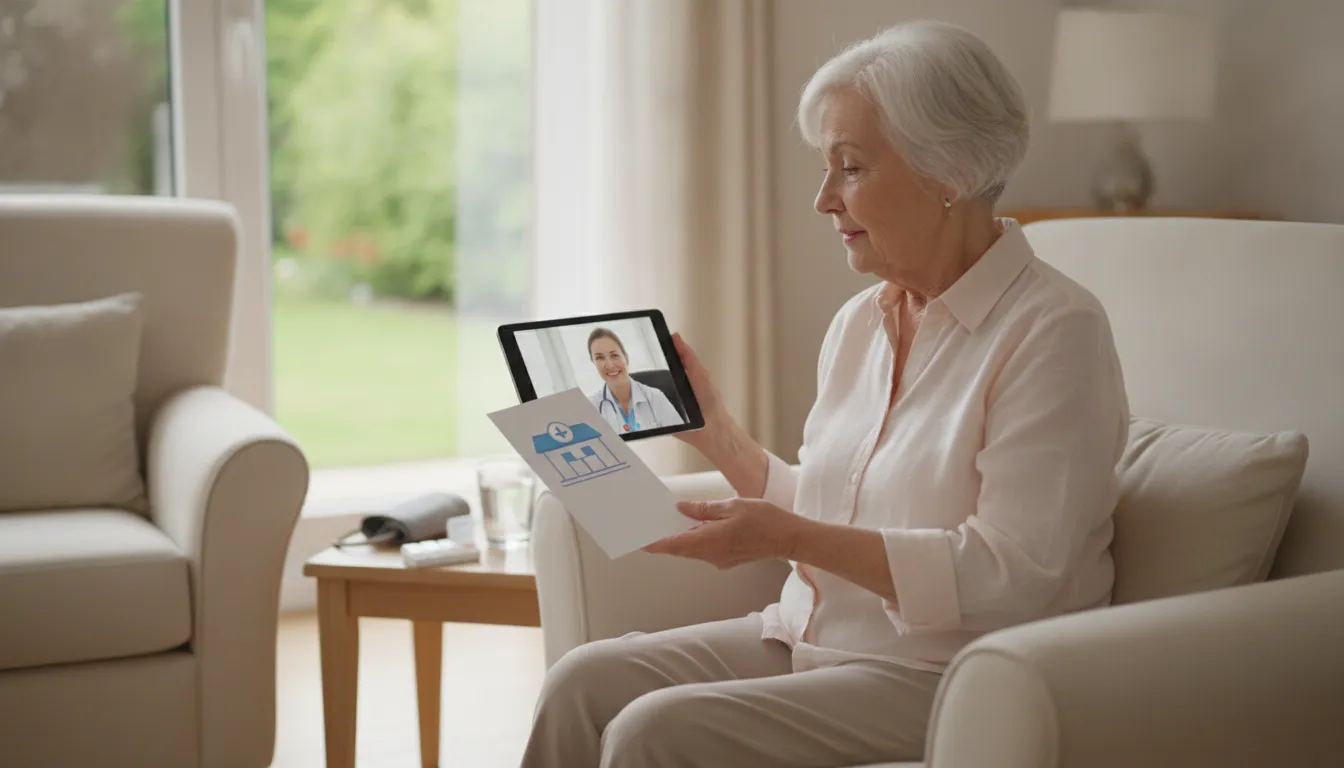
Choosing between a virtual visit and an office visit depends on your health needs. For many, telehealth for seniors offers a safe and easy way to stay in touch with a doctor. It works well for routine checks or when travel is hard. But some health issues still need you to sit in a room with a medical expert. Knowing the choice helps you get the right care at the right time.
Benefits of virtual visits for seniors
Virtual care is a great choice for many common health needs. It lets you talk to your doctor from the comfort of home. This is helpful for those with limited mobility or people who live far from a clinic. The National Institute on Aging says virtual visits are often faster and cost less than in-person trips.
You can use these visits for tasks like checking blood pressure or managing health goals. It is also a safe way to avoid germs. By staying home for a routine chat, you lower the risk of catching a flu or virus. Many patients find that benefits of telehealth for primary care include more frequent contact with their care team.
These visits also help family members stay in the loop. A child or friend can join the call from a different city to hear the doctor’s advice. If you recently stayed in a hospital, a quick video check can help you heal safely. Your doctor can look at how you move and talk to see if you are doing well.
When you need to see a doctor in person
While tech is helpful, some things need a physical touch. If your doctor needs to feel a lump or listen to your lungs, you must go to the office. In-person visits are also needed for tests like blood work or X-rays. These tools give the doctor a clear view of your health that a camera cannot show.
A physical exam lets the doctor check your vitals in person. This is key for new health problems or when a condition changes fast. Your doctor can use tools in the office to run tests and give you answers right away. If you have a wound that needs care or a bone that might be broken, an office visit is the best path.
Choosing the right care path
The table below shows when to use each type of visit. It helps you decide based on your current health status and needs.
| Care Type | Best For | What to Expect |
|---|---|---|
| Telehealth | Routine follow-ups, meds, and mild colds. | A video call via phone, tablet, or laptop. |
| In-Person | Physical exams, lab tests, and imaging. | A visit to a clinic for hands-on care. |
| Emergency | Chest pain, stroke signs, or major trauma. | Fast care at a hospital or ER. |
Signs you need emergency care
Telehealth and office visits are for non-urgent needs. Some symptoms mean you need to go to the hospital right away. If you feel sudden chest pain or have trouble breathing, call 911 or go to the nearest emergency room. These signs could point to a heart attack or other deadly issues.
Other red flags include sudden weakness on one side of your body or slurred speech. Do not wait for a scheduled call or a clinic opening if you have these signs. Getting fast help can save your life and limit harm to your body. In an emergency, every minute counts for your heart and brain health.
Overcoming common telehealth challenges
Telehealth for seniors offers a great way to see a doctor without leaving home. But starting a video call can feel hard if you are not used to the tech. Some people worry about a bad web link or blurry video. Others may find it tough to hear or see the person on the screen. These small hurdles should not stop you from getting the care you need. With a few simple steps, you can have a smooth visit from your living room.
Solving tech and web issues
A steady web link is the most important part of a good video call. If your link is slow, the video might freeze or cut out. You can check your speed before the call starts. To get the best signal, sit near your web router. If you use a tablet or phone, make sure it is fully charged. You can learn more about how virtual care visits work to feel more ready for your first time.
Testing your gear is another key step. Most video apps let you check your camera and mic before the doctor joins. This helps you avoid last-minute stress. If you have trouble, ask a friend or family member to help you set it up. A quick test call with a loved one can build your faith in the tech. You should test your internet and camera to ensure your visit goes well.
Improving sight and sound
It can be hard to hear a doctor through small device speakers. To solve this, you can use headphones or a headset. This brings the sound closer to your ears and blocks out room noise. If you have a hearing aid, check if it can link to your phone with Bluetooth. You can also ask your doctor to speak slowly or use a chat box to type out key notes. These small shifts make a big difference in how well you know your care plan.
Seeing the screen clearly is also a common worry. If a phone screen is too small, try using a tablet or a computer monitor. You can tilt the screen to avoid glare from lamps or windows. Good lighting in your room helps the doctor see you better too. This allows the doctor to check your skin or look at how you move. A clear video path lets your provider make a better visual assessment of your health during the call.
Privacy and family help
Keeping your health facts private is a top goal for every patient. Some people worry that others might see or hear their talk with the doctor. To stay safe, find a quiet room where you can close the door. Use a secure web link at home rather than a public one at a shop. Secure portals and apps keep your data safe from prying eyes. This peace of mind lets you speak freely about your health goals.
You do not have to do these calls alone. Many seniors find it helpful to have a caregiver or family member nearby. They can help with the tech or take notes on what the doctor says. Caregivers can also use online portals to ask questions later. This team effort ensures everyone is on the same page. Having a loved one join the call can turn a new task into a simple part of your day.
How to keep virtual visits private and secure
Many older adults worry about the privacy of their health data during online doctor visits. These fears are a common reason some people wait to try new tools. But you can take simple steps to keep your personal info safe. Using the right tools and choosing a quiet spot helps ensure your telehealth for seniors stay private.
Use secure patient portals
The best way to keep your data safe is to use a secure patient portal. These sites use special tools to lock your info so only your doctor can see it. Most offices now use secure patient portals or apps to host video calls. These tools follow strict rules to protect your health records. You should avoid using open video apps that do not have these locks. Knowing how virtual care visits work through a portal can make you feel more at ease.
You should also use a strong password for your portal account. A strong password uses a mix of letters, numbers, and signs. Never share your login details with anyone else. If you use a shared computer, always log out when you finish your visit. This prevents other people from seeing your private health facts later.
Protect your login details
Some people send fake links to try and steal your info. These links might look like they come from your doctor. Be careful not to click on any links in emails or texts that look odd. A real medical office will never ask for your password over email. If you get a message that asks for login data, call your doctor’s office first to check if it is real.
Choosing a doctor who leads their own practice can add a layer of safety. At NuGen Medicine, we focus on physician-led telehealth vs large platforms to ensure you get personal care. This means you talk to the same expert who knows your history and values your privacy. Direct doctor care helps keep your files in one safe place rather than across many big systems.
Find a private location
Where you sit for your call matters as much as the tech you use. You should join your visit from a private room where others cannot hear you. Close the door and windows to block out noise. This helps you talk freely about your health without worrying about who might listen in. It also lets you focus on what your doctor says.
Using a private home network is safer than using public Wi-Fi. Public networks in coffee shops or malls are not secure and can let others see your data. A secure home internet connection is key for a safe visit. If you must use a device away from home, try to use your own cell data instead of a public signal. Following these steps helps you enjoy the ease of virtual care with none of the risk.
Frequently Asked Questions
Does Medicare pay for telehealth visits for seniors?
Medicare covers many types of virtual doctor visits for seniors, but the rules can vary by service, provider, and location. Your out-of-pocket cost may also depend on your coverage. Contact Medicare or your health plan before the appointment to confirm whether the visit is covered and what you may owe.
What equipment do I need for a virtual doctor visit?
You do not need special tools for a virtual visit. A phone, tablet, or computer with a camera and microphone is enough. You also need a good internet connection to keep the video clear. Most doctors use safe apps or websites that are easy to use. If you know how to video chat with your family, you have what you need. This lets you talk to your doctor while you sit in your favorite chair.
How should I prepare for a telehealth appointment?
Getting ready for your visit is easy and helps the call go well. Find a quiet spot with plenty of light in your home. Test your camera and microphone a few minutes before you start. Have your list of pills and any questions ready for your doctor. It also helps to keep a pen and paper close by to take notes. These steps help you get the best care from your medical team.
Can telehealth help manage chronic health issues?
Yes, telehealth is a great way to manage long-term health issues like heart disease. Your doctor can use virtual calls to check your health and update your care plan. This allows for more check-ins without the stress of a long trip to a clinic. According to the Department of Health and Human Services, virtual care helps with chronic disease care. It helps you stay on track with your health goals from home.
Is telehealth as effective as an in-person visit?
For many needs, virtual visits are just as good as in-person ones. Doctors use clear video to see and talk with you. They can look at your health and go over your test results. According to a study in PMC, many older adults feel happy with this care because it saves time. While some tests still need an in-person visit, telehealth is a safe way to handle your basic health needs.
Ready to schedule your first virtual care visit from home?
Delaying medical care often leads to more health problems and extra stress for you and your family when small health issues turn into big ones. Skip the long drives and the risk of a crowded waiting room by setting up a visit from home with our safe and easy tools. Starting now means you get the expert answers you need without the hassle of travel or the long wait times of a local medical clinic.
Our team makes it easy to stay on top of your health goals from any quiet spot in your house with safe and simple tools. Ready to set up a virtual care visit? Book your online appointment to talk to a doctor about your health needs today.
Leave a Reply